Student Engagement on Online Teaching Platforms: 5 Strategies for Hybrid Classrooms
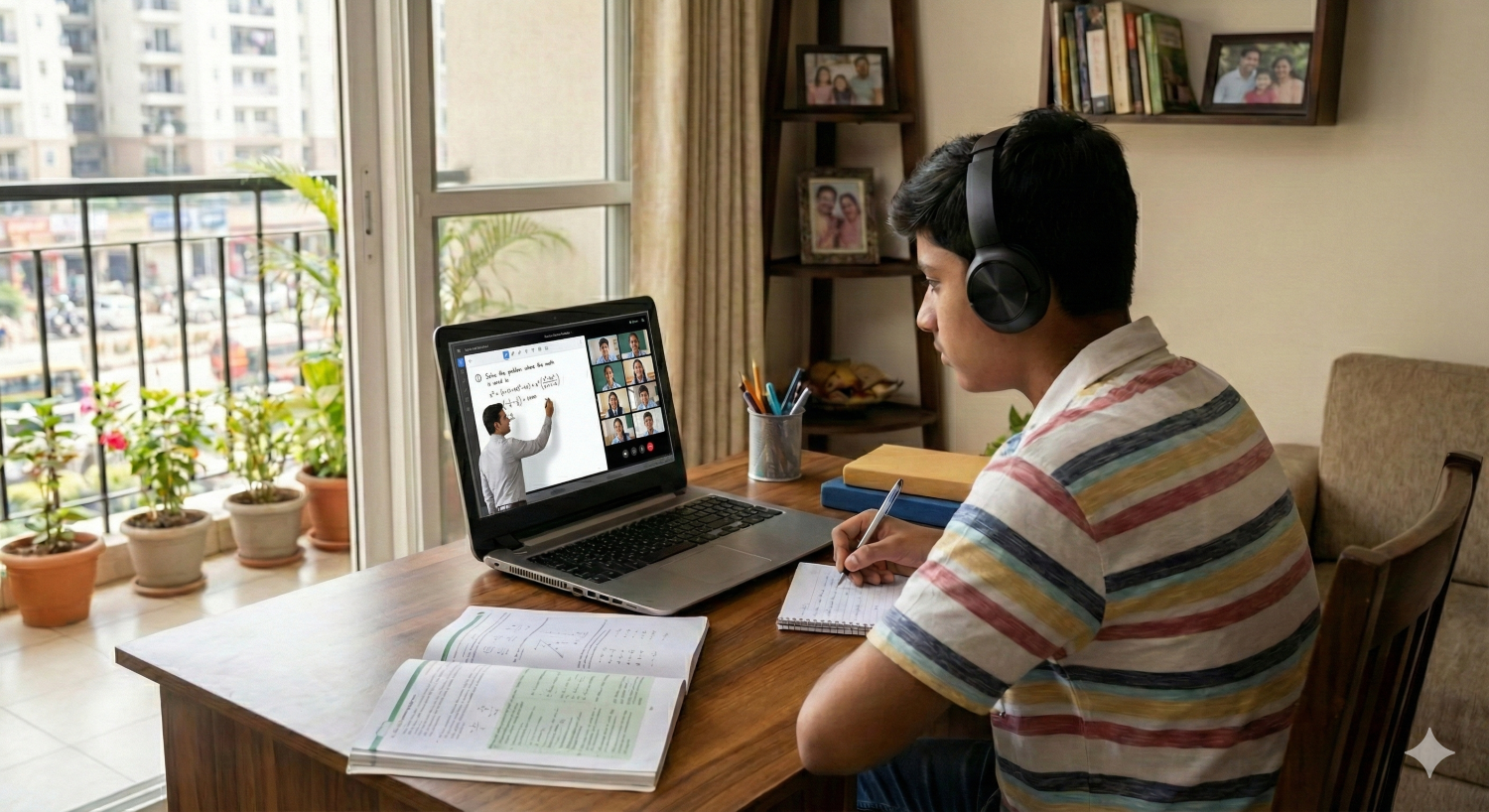
Typically, a teacher stands in a physical classroom, delivering a critical concept for the board exams. Inside the classroom, students are nodding and taking notes. But on the screen, if your hybrid class technology is not working to its full potential, it is highly likely that your remote students have mentally checked out.
For teachers, this is frustrating. For institutions, it is a risk. When remote learners feel like second-class citizens, learning outcomes drop, and parental dissatisfaction rises during PTMs.
The uncomfortable truth is that student disengagement often has little to do with the faculty's skill and everything to do with the Two-Tier experience. Most hybrid setups inadvertently treat remote students as passive viewers rather than active participants.
To fix this, we need to stop treating online teaching platforms as simple video conferencing tools and start treating them as extensions of the physical learning space. Here are five strategic shifts, covering both pedagogy and infrastructure, to restore engagement in your hybrid classrooms.
5 Strategies for Student Engagement on Online Teaching Platforms
1. Establish Visual Equity
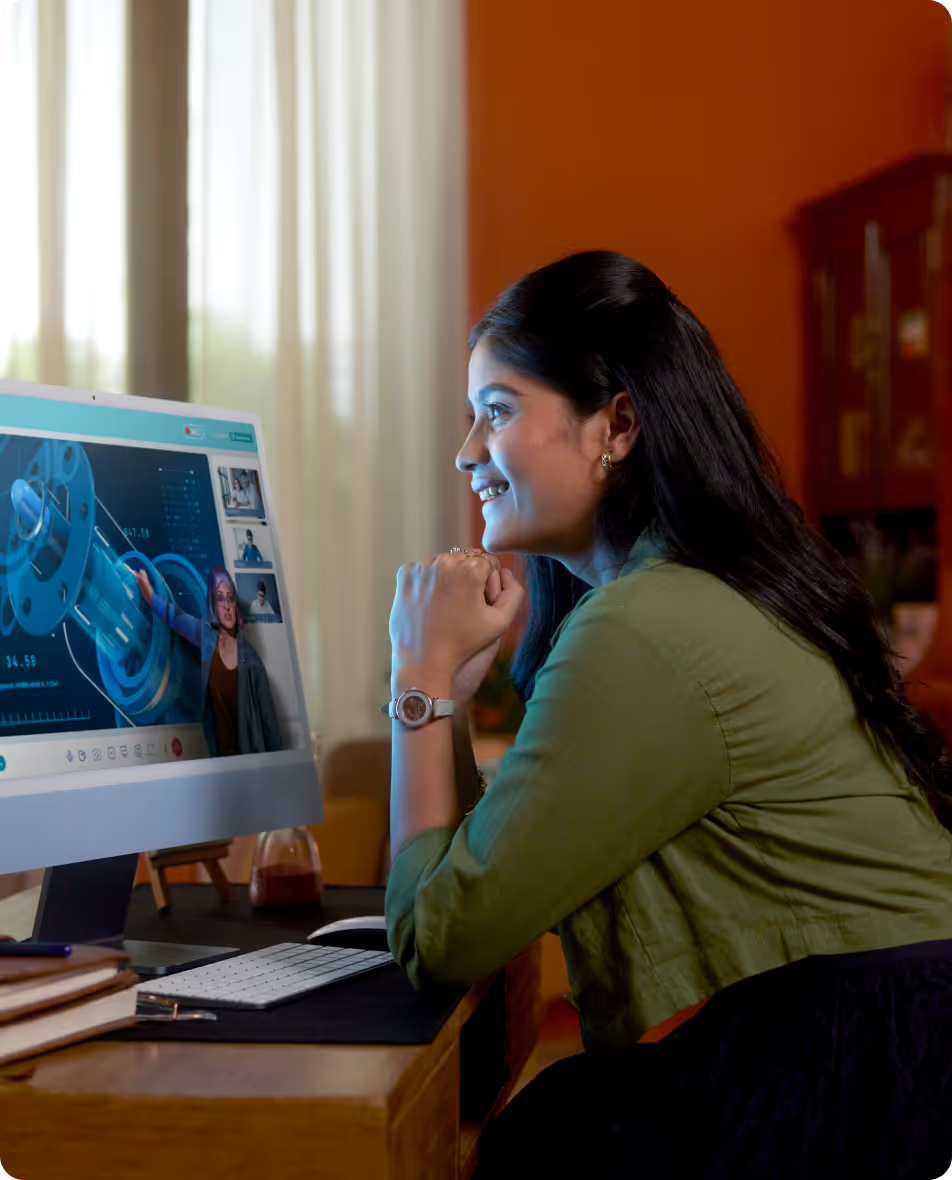
In a standard setup, the remote student sees the class through a laptop webcam. This creates Tunnel Vision. They see a tight shot of the teacher’s face, or worse, just a shared PowerPoint slide. They miss the teacher’s hand gestures, the board work, and the energy of the room.
Psychologically, this signals to the student: "You are watching a TV show, not attending a class."
To fix this, institutions must invest in smart classroom equipment that captures the context of the lesson.
- The Wide-Angle Standard: Ensure your camera setup captures the entire teaching wall and the teacher's movement. Body language constitutes 55% of communication. If a remote student can see the teacher pointing to a diagram or walking toward the board, their focus improves.
- The Newsroom View: Use a setup that allows picture-in-picture. The remote student should see the digital content (notes/syllabus) clearly, but always accompanied by a video feed of the teacher. Never let the human element disappear behind a PDF.
2. Solve the Audio Gap
If a video feed is blurry, a student might squint. If the audio is bad, they will quit.
Cognitive Load is the primary reason for disengagement on online teaching platforms. When a student has to strain to hear the teacher over the hum of a fan or AC, or worse, cannot hear the doubts asked by students in the physical room, their brain fatigues rapidly.
The solution lies in omnidirectional audio. A single laptop microphone is insufficient for a hybrid class. Your digital classroom setup requires microphone arrays that pick up voice from every corner of the room. When a remote learner can clearly hear a backbencher's query, the psychological wall between home and school crumbles. They become part of the community.
3. Move from Screen Sharing to Phygital Collaboration
Screen sharing is the enemy of active learning. It is a one-way broadcast. The teacher talks; the student watches. This passive dynamic is the fastest route to boredom.
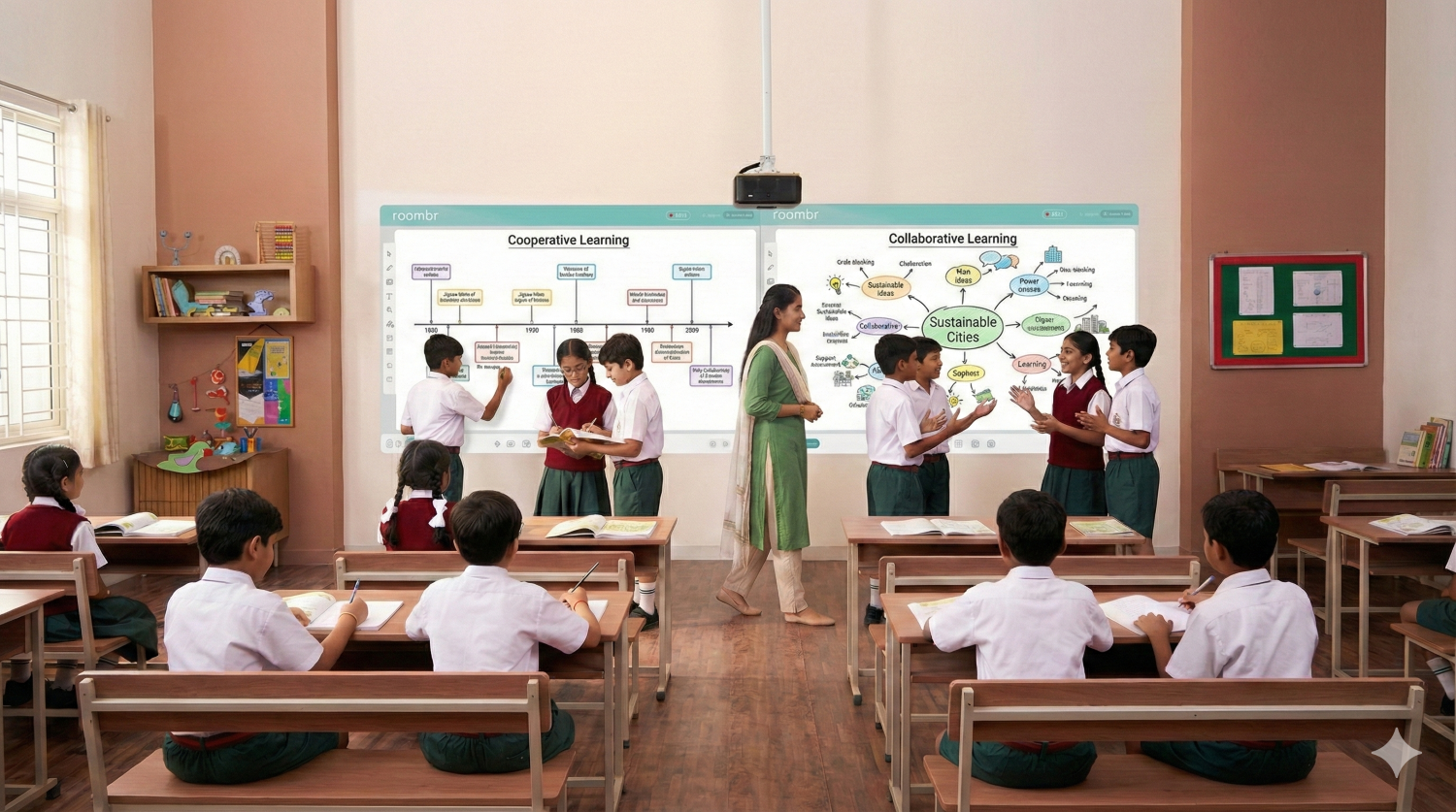
To engage the Generation Alpha learner, you must move toward collaborative learning. This requires hardware that supports bidirectional interaction.
Instead of just projecting a static slide, use a digital board for online teaching that allows for two-way writing.
- The Workflow: The teacher solves a problem on the physical wall in the classroom. The remote student, using a tablet or laptop, writes on the same digital canvas via the platform. Both inputs appear instantly on the main classroom display.
- The Impact: This shifts the remote student’s role from audience to contributor. Knowing that the teacher might ask them to solve the next step of an equation on the main board keeps them in a state of high alert.
4. Use a Digital Buddy to Bridge the Gap
Technology enables engagement, but pedagogy sustains it. One practical, zero-cost strategy is to assign a Digital Buddy for every session.
Remote students often hesitate to interrupt a flowing physical class to ask a doubt. They type in the chat, but the teacher, focused on completing the syllabus, misses it. The student feels ignored and disconnects.
The Fix: Rotate the role of Chat Monitor among the physical students. The designated buddy’s job is to raise their hand if a remote peer posts a query on the online teaching platform.
"Sir, Rohan has a doubt about the third equation."
This simple protocol ensures that remote students have a dedicated advocate in the room. It bridges the physical-digital divide and relieves the teacher of the burden of constantly checking the screen.
5. Automate the Safety Net
Finally, we must acknowledge the reality of infrastructure. Bandwidth fluctuates. Power cuts happen.
High anxiety leads to low engagement. If a student is anxious that a 30-second lag will make them miss a critical concept for the exams, they focus more on technical stress than on the lesson.
Transform your online teaching platforms from Live Only venues into Live + Library resources.
- Automated Archiving: Don't rely on teachers to manually hit record. Use hardware that automatically records, indexes, and uploads every session.
- The Psychological Shift: When students know the safety net exists, they relax. They stop frantically taking notes and start actually listening. They engage with the concepts, knowing they can revisit the recording later for revision.
Infrastructure is the Key to Inclusion
Hybrid learning is not a temporary patch. It is the future of scalable education. However, it fails when we treat it as an afterthought.
You cannot run a high-performance hybrid class on a consumer laptop and a free Zoom account. To truly leverage the power of online teaching platforms, decision-makers must audit their current infrastructure.
Investing in the right digital classroom setup, one that prioritizes visual clarity, audio fidelity, and collaborative writing, is not just an IT upgrade. It is a direct investment in student retention and academic results.
Struggling to keep remote students engaged on your online teaching platforms? Find out how Roombr Digital Classroom transforms hybrid learning into an immersive, distraction-free experience for your students.

Foziya Abuwala
Share
Step Into the future of
Education with Roombr