Effective Classroom Management Strategies for Educators
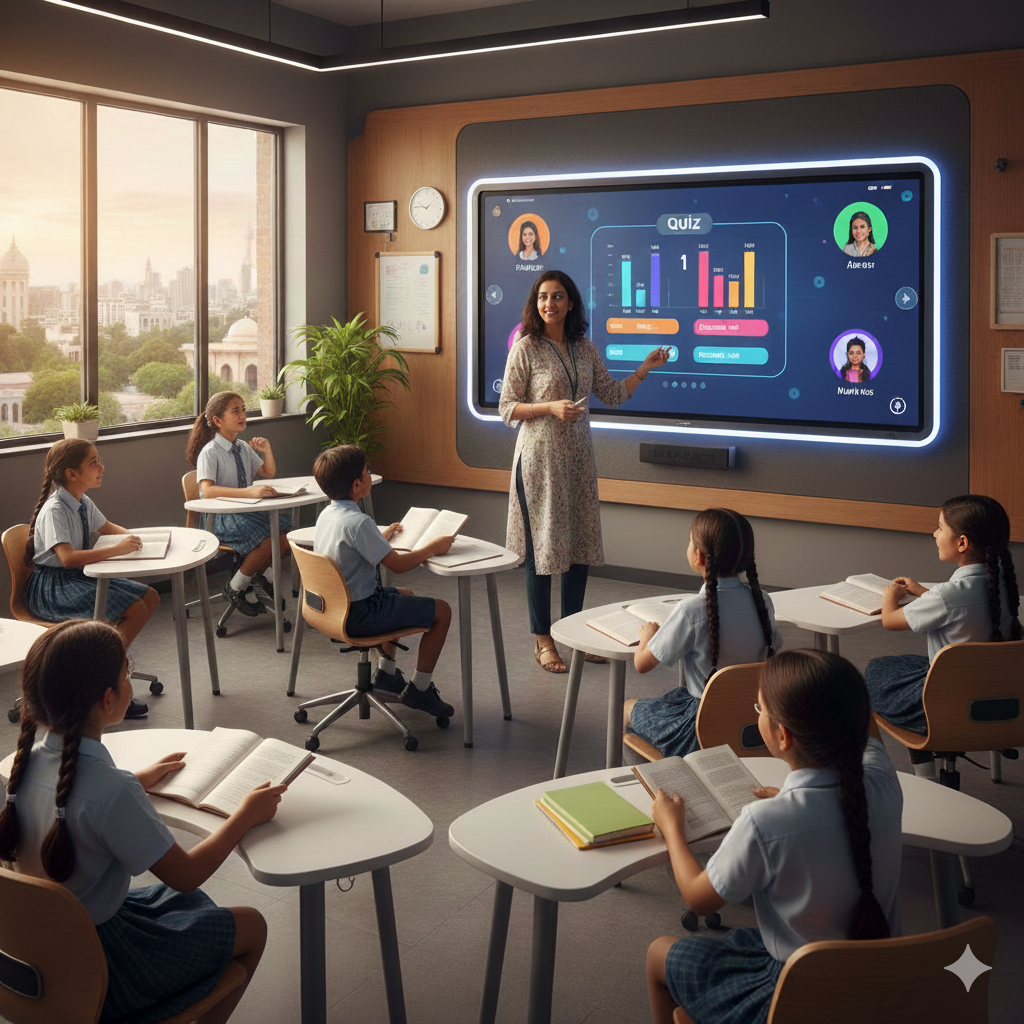
The classroom environment has shifted. If you’ve been in education for more than a decade, you know the difference. Today, you are managing thirty or more distinct personalities, half of whom are digital natives used to constant stimulation, while perhaps juggling a hybrid setup where some students aren't even physically in the room.
Classroom management is no longer just about discipline or keeping the noise down. It’s about keeping students so engaged that they don’t want to disrupt the flow.
For educators, the challenge is figuring out how to use the tools we have, specifically the smart classroom setup, to bring order to the chaos. This isn't about replacing the teacher with screens; it’s about giving the teacher an advantage.
This guide explores how we can mix traditional teaching wisdom with modern tech to create a classroom that actually works.
The Changing Landscape of Classroom Management
Historical Overview
Think back to how classrooms were managed twenty years ago. It was mostly proximity control, walking up and down rows of desks, and the authority of the chalkboard. The teacher was the sole source of information. If you controlled the chalkboard, you controlled the room. But as we moved from blackboards to whiteboards, and now to high-tech environments, the dynamic changed. Information is everywhere now, not just at the front of the room.
The Need for Modern Solutions
We are seeing larger class sizes and the permanent arrival of hybrid learning. The old "stand and deliver" method doesn't hold up when you have 50 students in a lecture hall or when half your class is logging in via Zoom. These shifts have created new friction points, distraction, technical delays, and a sense of disconnection. We need classroom management strategies that acknowledge these realities rather than fighting them.
The Role of Technology in Classroom Management
This is where the narrative flips. Technology is often blamed for distracting students, but in a high-tech classroom, it’s actually your best management tool. Smart tools, like interactive whiteboards and Learning Management Systems (LMS), don't just display slides; they structure the time. They allow for smoother transitions and keep the pacing tight.
Key Principles for Effective Classroom Management
1. Building Respect and Rapport
You can have the most expensive smart classroom in the world, but if the students don't follow you, it won't matter. However, tech can help build that bridge. Think about using Roombr’s interactive display solution. Because the tech is intuitive and allows you to cast from anywhere, you aren't stuck behind a desk or tethered to a cable at the front. You can move among the students. That physical proximity builds rapport. It shows you are part of the learning circle.
2. Setting Clear Expectations
Ambiguity causes chaos. Students need to know exactly where the lines are drawn. Instead of a verbal list of rules that goes in one ear and out the other, use your interactive display to make expectations visual. Co-create the class norms with your students and display them digitally. When everyone agrees on the "terms of service" for the classroom and those terms are visible on the screen, accountability becomes much easier.
3. Consistency and Fairness
Use digital tools to track participation randomly so every student gets a turn, or use an LMS to log behavior and attendance. It removes the emotion from the data. It’s not "the teacher is picking on me"; it’s just the system tracking the facts.
4. Positive Reinforcement
We often focus so much on stopping bad behavior that we forget to highlight the good. The digital classroom offers effective ways to do this. Acknowledging a student’s success isn't just a "good job" anymore. It’s putting their work up on the big screen for everyone to see instantly. Or using a digital badge system on your learning platform. That public recognition is a powerful motivator.
Modern Classroom Management Strategies for Educators
Strategy 1: Interactive Learning for Engagement
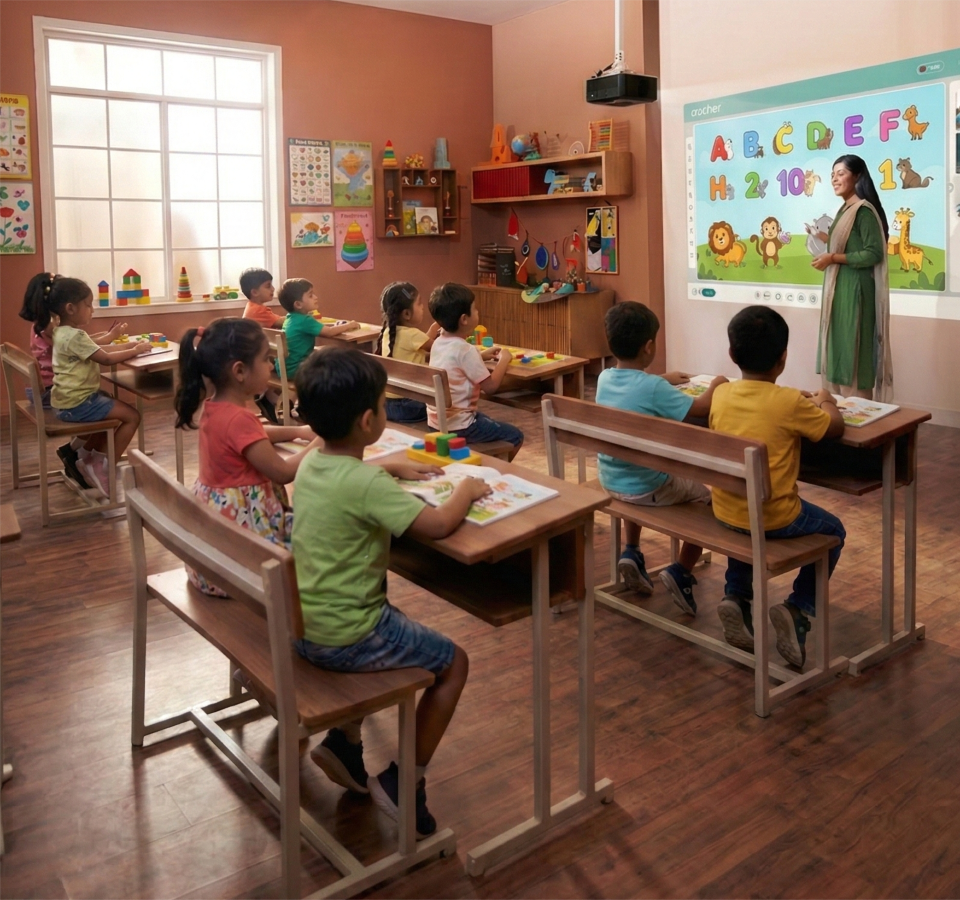
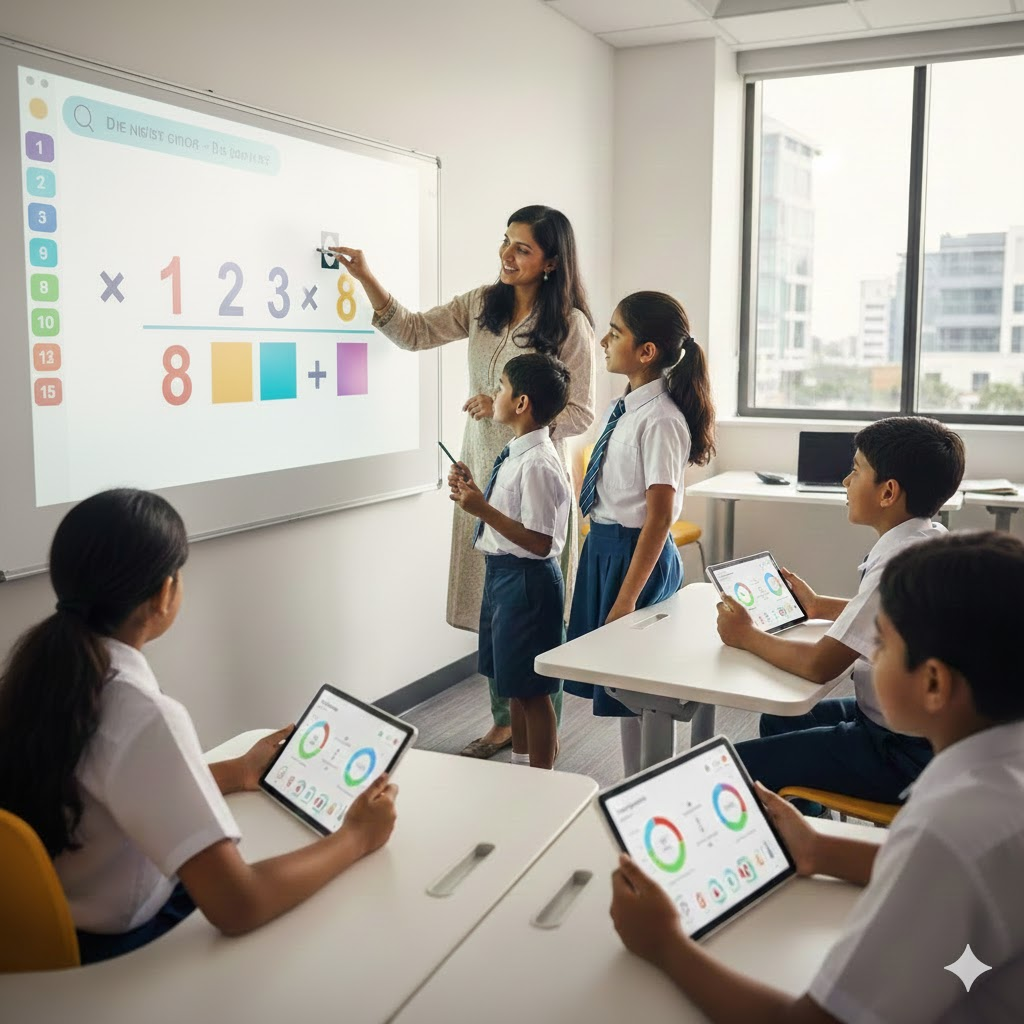
Use smart boards to turn passive listening into active doing. Don't just show a math problem; have students come up and drag the numbers around. Run live polls where they answer via their devices. When they know they have to participate, their attention stays on the lesson.
Strategy 2: Technology Integration for Seamless Management
You know those awkward two minutes while you try to get a video to load or find the right slide? That’s when you lose them. A smart classroom setup minimizes this friction. Tools like Roombr allow for instant content streaming and switching between inputs. When the lesson flows seamlessly from a lecture to a video to an activity without a tech hiccup, you maintain command of the room.
Strategy 3: Encouraging Student Participation and Responsibility
Stop doing all the work. Use technology to give students ownership. In hybrid settings, assign roles like "chat moderator" or "resource manager." Use digital boards where groups have to track their own project milestones. When students feel responsible for the class running smoothly, they tend to step up.
Strategy 4: Classroom Layout and Design with Tech
The way a room looks impacts how it feels. Flexible seating is great, but only if everyone can see. This is where the hardware matters. A standard TV in the corner doesn't work. You need large, visible digital calendars and interactive displays that can be seen from the back row. If a student feels like they are physically cut off from the content, they will mentally check out.
Strategy 5: Time and Task Management with Technology
Time management is often the hardest part of running a classroom. Use the tools to keep everyone on track. Put a giant digital timer on the smart board during group work. Use your LMS to automate reminders for assignments. When the schedule is visual and transparent, the anxiety level in the room drops, and behavior improves.
Handling Common Classroom Management Challenges
1. Disruptive Behavior in Larger Classrooms
Lecture halls are notorious for "back row syndrome." Students feel anonymous, so they disengage. Modern tools help you shrink the room. With large interactive displays, the content is immersive and large enough to grab attention even at a distance. Plus, if you are using a system that lets you annotate from a tablet while walking the room, you destroy that zone of anonymity.
2. Managing Hybrid or Remote Classes
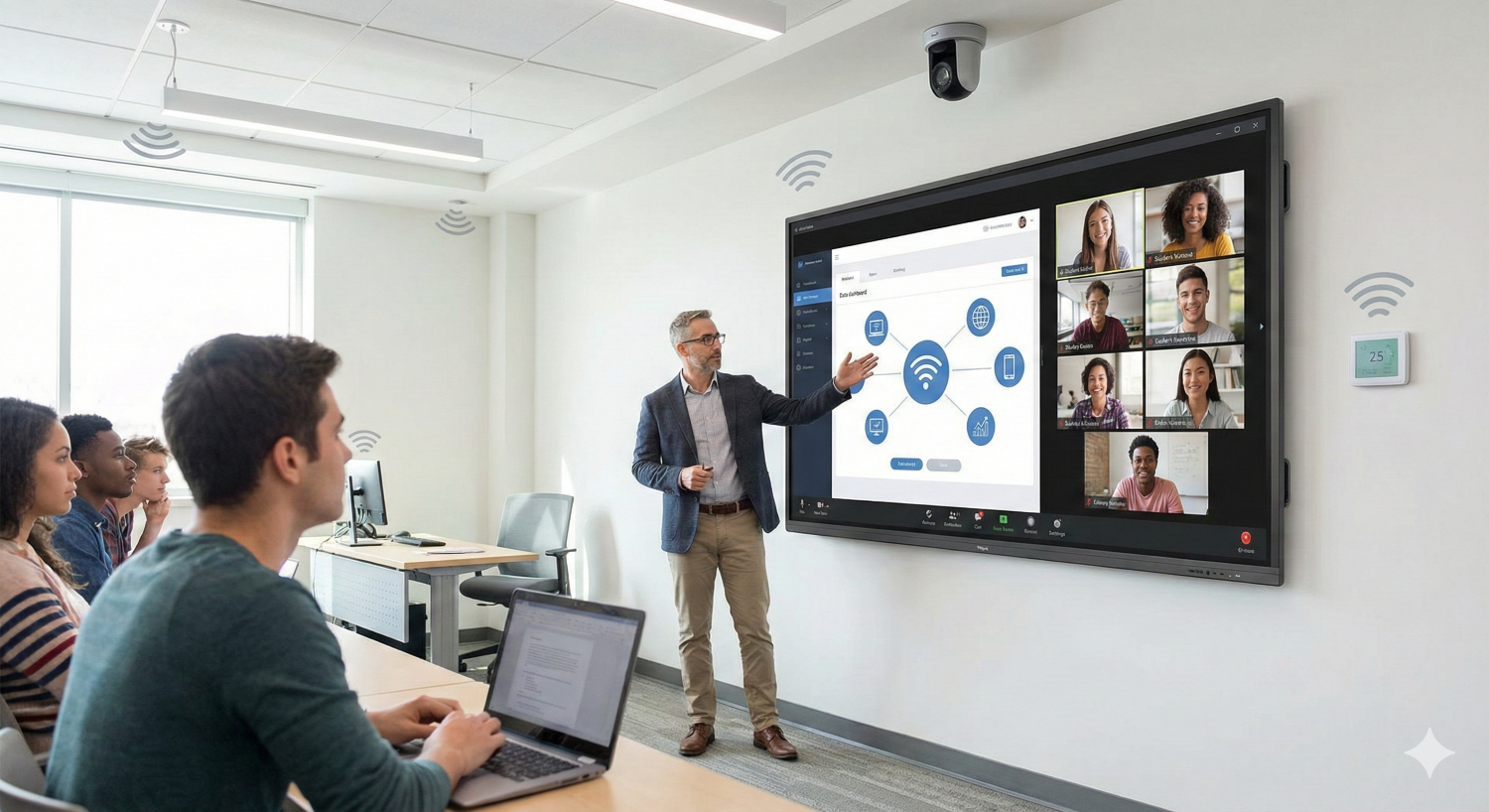
In a hybrid classroom, the biggest risk is the remote students feeling like spectators. You have to be intentional. Use screen sharing and virtual breakout rooms to force interaction. If you are using a smart display, make sure the camera angle includes you and the board so remote kids feel present.
3. Behavioral Issues and Early Intervention
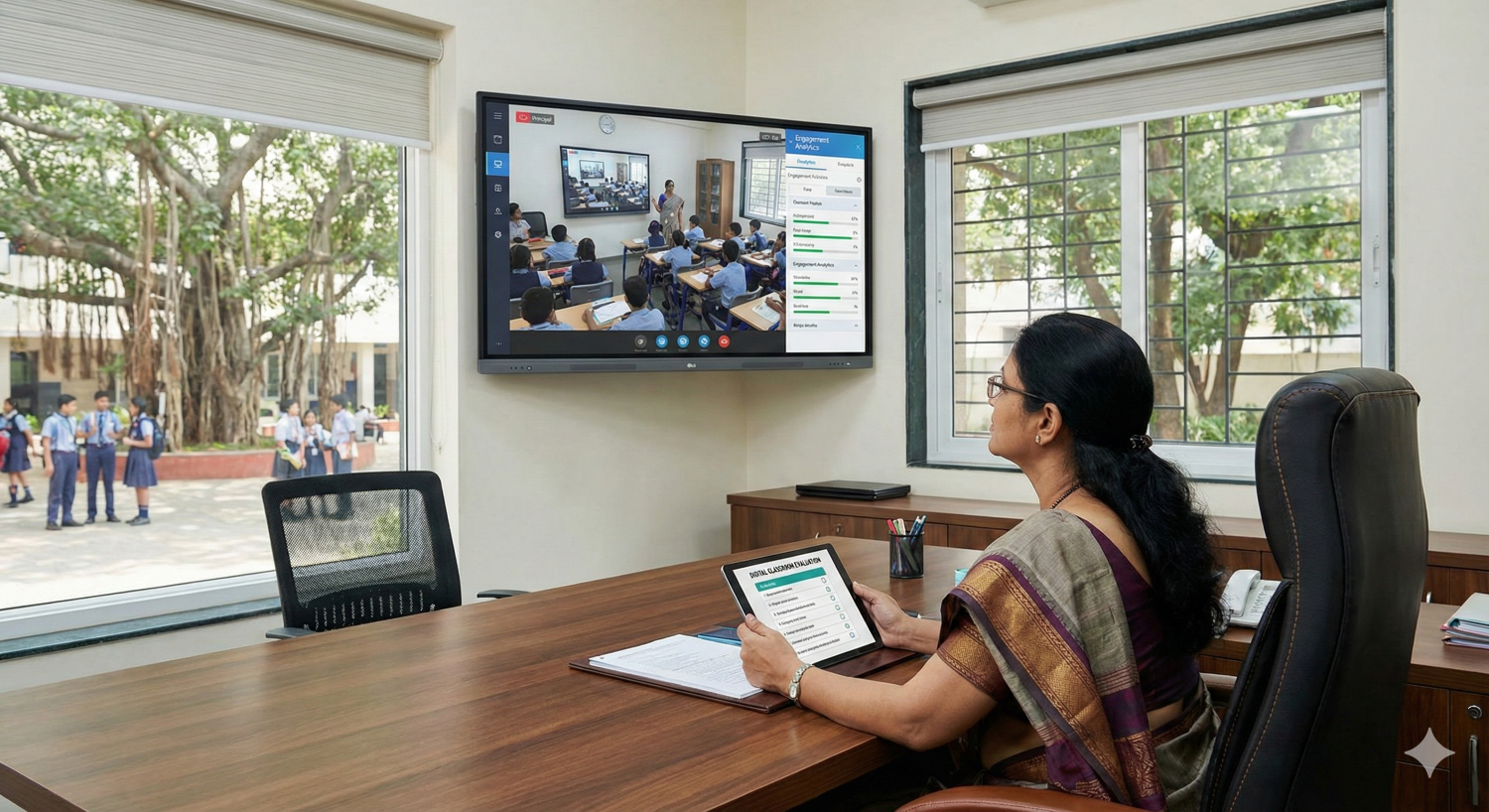
Sometimes, acting out is a cry for help. Maybe a student is falling behind and feels stupid, so they cause a scene. Tech helps you spot this early. If a student’s engagement score drops on the LMS or they stop submitting work, you can intervene before it turns into a behavioral crisis.
4. Time Management for Busy Educators
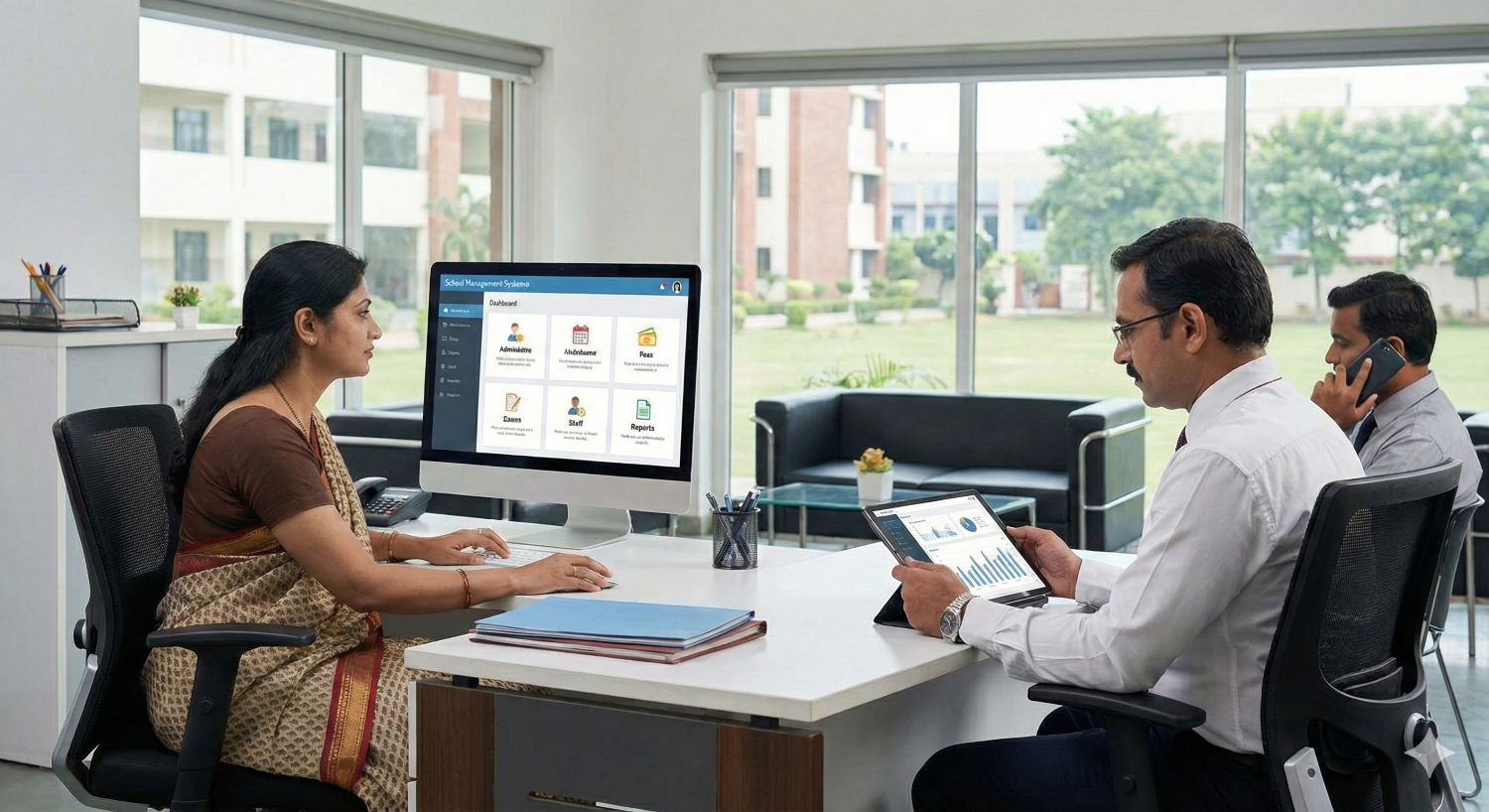
Teachers are burning out because they spend too much time on admin. Use the digital classroom to automate the boring stuff. Let the software handle attendance and basic grading. This frees up your energy to actually deal with the students. A less stressed teacher is a better classroom manager.
Technology Tools to Enhance Classroom Management
1. Interactive Displays
These are the anchor of the modern room. But it’s not just about having a screen. It’s about what it can do. Roombr’s interactive display solution, for example, turns a wall into a computing device. It changes the focal point of the room and allows for the kind of dynamic movement that keeps teenagers awake.
2. Learning Management Systems (LMS)
Think of the LMS as your silent co-teacher. Platforms like Canvas or Google Classroom handle the logistics, collecting homework, sending reminders, posting grades. It creates a paper trail that keeps everyone honest and organized.
3. Behavior Management Software
There are apps designed specifically for this. They allow you to track merits and demerits in real-time. It provides immediate feedback to the student and, often, their parents.
4. Professional Development Resources
Finally, the tools are only as good as the user. Encouraging educators to train on these systems is vital. A teacher fumbling with a remote is losing authority while a teacher who uses the board like a pro commands respect.
Measuring the Success of Your Classroom Management Plan
Tracking Engagement and Academic Progress
How do you know it’s working? Look at the data. Are more students logging in? Are grades trending up? Is the "time on task" metric from your educational software improving? These are hard numbers that reflect the soft skill of management.
Gathering Feedback from Students
Sometimes the best data comes from asking. Use a quick digital survey: "Did you feel focused today?" "Was the instruction clear?" Seeking their input shows students you value their perspective, and their honest feedback can reveal genuinely surprising insights.
Roombr: The Holistic Classroom Solution
Roombr offers a holistic digital classroom solution to manage your space seamlessly. The core is an all-in-one hardware unit with the powerful Roombr App for on-the-go control. Plus, it integrates with any existing LMS, giving educators maximum flexibility and efficiency to streamline operations and elevate learning. Learn more about Roombr here.

Foziya Abuwala
Share
Step Into the future of
Education with Roombr